Have an account?
Log in to check out faster.
Loading...
Explore biometrics and real-time data through hands-on STEM learning.
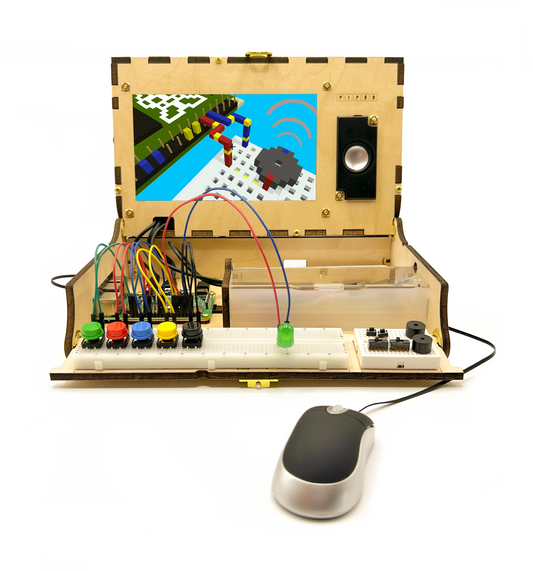
The Piper Make Pulse gives learners the opportunity to build and program an interactive pulse sensor while discovering how biometric technology can detect and respond to changes in heart rate. Used with the Piper Make Base Station, Pulse introduces coding, circuitry, and data visualization through engaging, real-world challenges.
By experimenting with live sensor data and programmed responses, learners gain a deeper understanding of how technology can be used to measure, monitor, and interpret information from the human body.
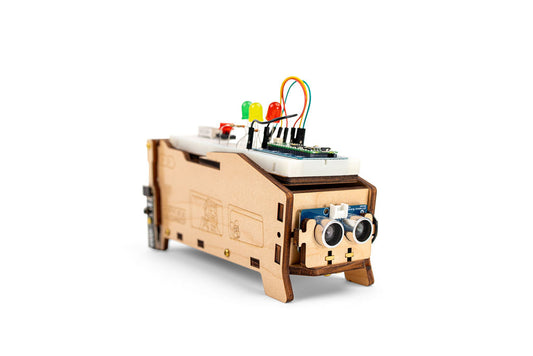
Once assembled, Pulse can be programmed and customized through guided Piper Make Missions that bring biometric sensing and interactive coding to life.
Highlights• Build and program an interactive pulse sensor• Explore biometrics, circuitry, and real-time data visualization• Discover how pulse sensors detect and respond to changes in heart rate• Complete interactive Piper Make Missions focused on biometric sensing and live data• Develop coding, problem-solving, and computational thinking skills through hands-on experimentation• Encourages curiosity, exploration, and STEM learning
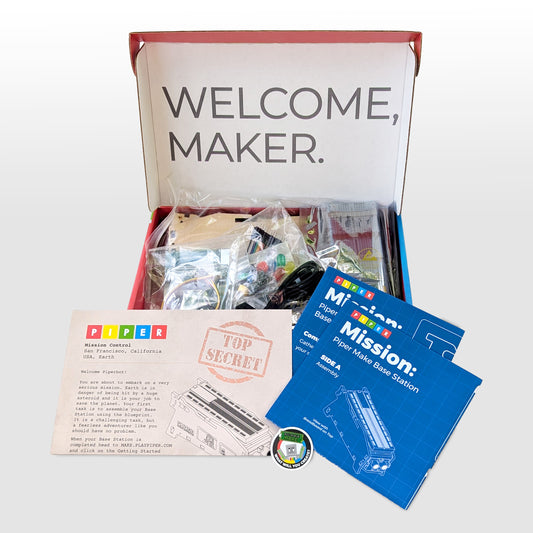
Includes• Heart rate sensor• Laser-cut and laser-etched wood pieces• Brass hardware (2)• O-ring• Set of Velcro Strips• Jumper wires (M2F)• Blueprint• Piper Make sticker
Technical RequirementsRequires Piper Make Base Station. Internet connection required for setup and software updates. Recommended for ages 8+.