Have an account?
Log in to check out faster.
Loading...
Build and program an interactive project that responds to motion and movement.
The Piper Make Motion Ball gives learners the opportunity to explore sensors, movement, and physical interaction through hands-on coding and engineering challenges. Used with the Piper Make Base Station, it demonstrates how motion and environmental inputs can trigger programmed responses in real time.
Through guided activities, movement and changing inputs trigger responsive actions that help reinforce coding logic, responsiveness, and cause-and-effect relationships through hands-on experimentation.
Once assembled, the Motion Ball can be programmed and customized through guided Piper Make Missions that bring motion-based interaction to life.
Highlights• Build and program an interactive motion-responsive project• Explore motion, acceleration, and movement across three axes• Discover how sensors and real-time data work together• Complete the Motion Ball Piper Make Mission inspired by Marsball• Develop coding, computational thinking, and problem-solving skills through hands-on experimentation• Encourages creativity, exploration, and STEM learning
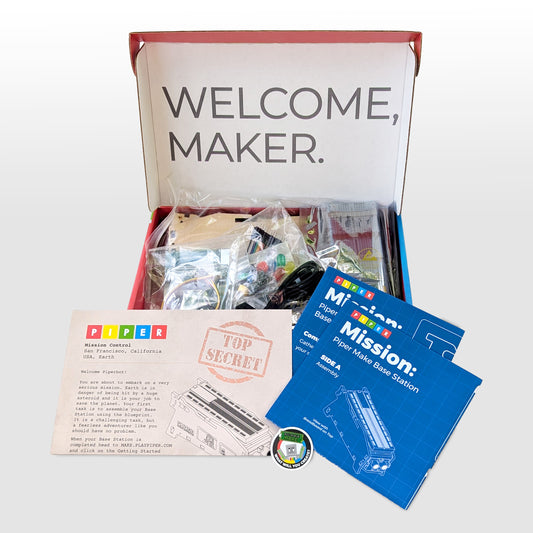
Includes• Motion sensor• Laser-cut and laser-etched wood pieces• O-rings (2)• Jumper wires (M2F)• Blueprint• Piper Make sticker
Technical RequirementsRequires Piper Make Base Station. Internet connection required for setup and software updates. Recommended for ages 8+.